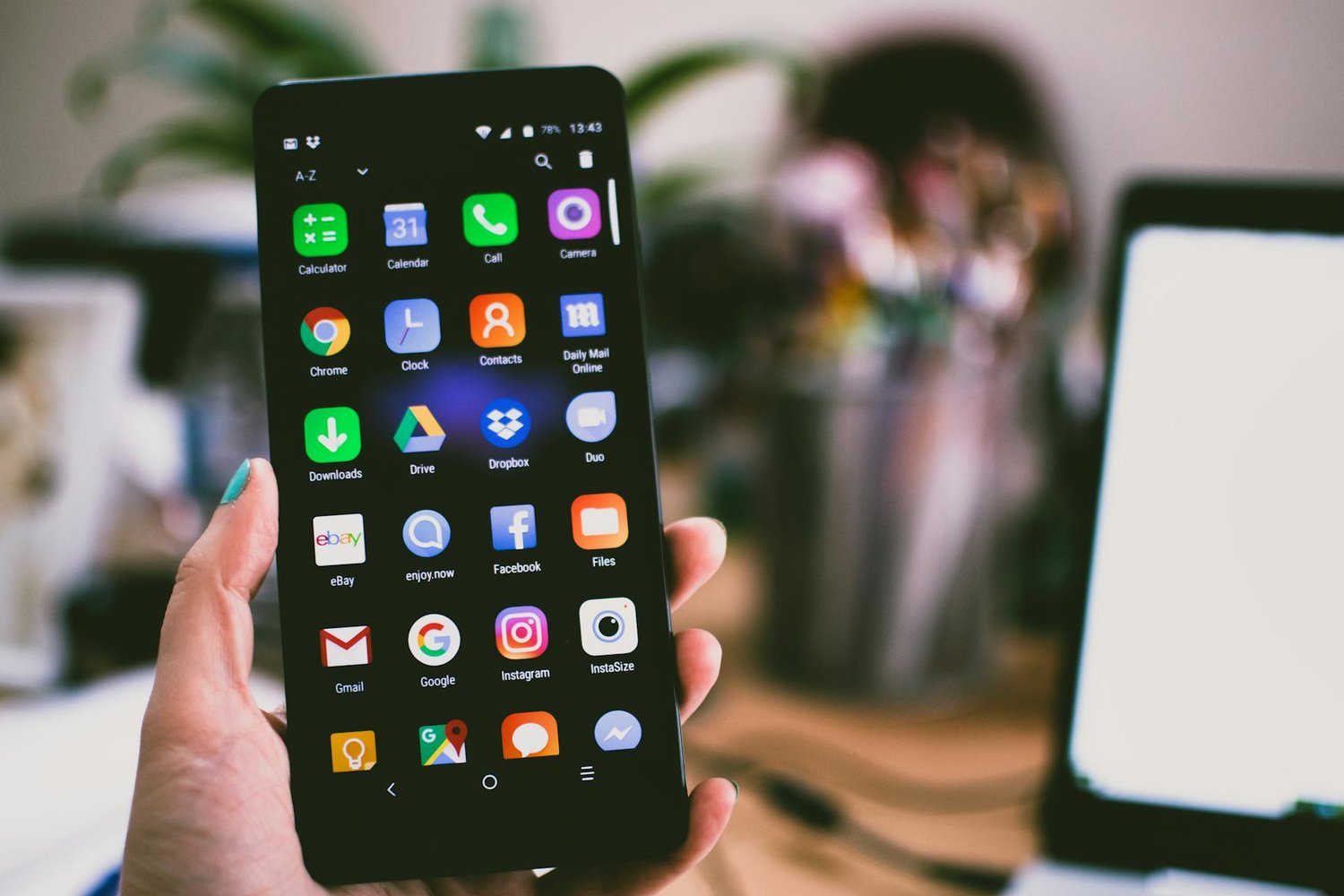
Claude Computer Use is Anthropic’s AI agent feature that takes control of your Mac’s screen, keyboard, and mouse to complete tasks you assign from your phone or desktop. Launched on March 24, 2026, it ships as part of Claude Cowork and Claude Code for Pro and Max subscribers on macOS. You describe what you need done, Claude figures out whether to use an API integration, a browser, or raw screen control, and then it executes. No scripting. No Selenium configs. You just tell it what you want and walk away.
This is not remote desktop in the traditional sense. There is no human on the other end. Claude reads pixels, counts coordinates from screen edges, and translates its understanding of your UI into mouse clicks and keystrokes. It is closer to giving an extremely patient intern access to your computer than it is to TeamViewer.
How Claude Computer Use Actually Works
The technical architecture behind Computer Use follows a screenshot-action loop. Claude captures a screenshot of your display, analyzes the visual content, identifies UI elements (buttons, text fields, menus), calculates pixel coordinates, and then executes an action: a click, a keystroke, a scroll. After each action, it captures a new screenshot to verify the result and plan the next move.
The Three-Tier Priority System
Claude does not jump straight to screen control. It follows a strict hierarchy:
Priority 1: Direct integrations. If Claude has a connector for the service you need (Google Calendar, Slack, Google Drive, and others), it uses the API. This is fastest, most reliable, and least error-prone.
Priority 2: Browser automation. If no direct integration exists but the task involves a web app, Claude opens a browser and navigates the interface. It reads page content, fills forms, clicks buttons, all through the browser rather than raw screen pixels.
Priority 3: Screen control. Only when neither an API nor a browser path exists does Claude fall back to full desktop control. It captures screenshots, identifies UI elements by their visual appearance, and operates the computer the way a human would: moving the mouse, clicking, typing.
This priority system matters because each tier has different reliability characteristics. API calls are deterministic. Browser automation is mostly reliable but breaks when layouts change. Screen control works on anything but is the slowest and most fragile of the three.
Pixel Counting and Coordinate Accuracy
The most technically interesting aspect of Computer Use is how Claude identifies where to click. It does not use accessibility APIs or DOM inspection for native apps. Instead, it processes the screenshot as an image, identifies UI elements visually, and calculates pixel coordinates from the screen edges. The supported actions are straightforward: screenshot, left_click at coordinates, type a text string, key for keyboard shortcuts, and mouse_move to reposition the cursor.
Training Claude to count pixels accurately across different screen resolutions and application layouts was, according to Anthropic’s engineering team, one of the hardest parts of building the feature. A button that sits at (340, 220) on a 1440p display is somewhere completely different on a 4K screen, and Claude needs to handle both without explicit calibration.
Dispatch: Phone-to-Desktop Control
Dispatch is the feature that makes Computer Use practical for everyday use. Released the week before Computer Use, Dispatch creates a persistent conversation between Claude on your iPhone and Claude on your Mac.
How Dispatch Pairing Works
You scan a QR code in the Claude desktop app with your iPhone. From that point, you can text Claude instructions from anywhere. Claude executes those instructions on your Mac (which needs to stay awake and running the Claude app) and sends back results. The connection is persistent, so you can check progress, add follow-up instructions, or cancel tasks without being near your computer.
The practical scenario Anthropic demonstrated: you are commuting, you text Claude “compile the Q1 sales data from the three spreadsheets on my desktop into a single summary with charts,” and by the time you reach the office, the work is done. Whether that saves 20 minutes or 2 hours depends entirely on the complexity of the task and whether Claude has integrations for the tools involved.
What Dispatch Can and Cannot Do
Dispatch works within the same constraints as Computer Use. It can open applications, navigate browsers, fill spreadsheets, manage files, and send messages through apps on your Mac. It cannot install new software without your permission, and it asks before accessing any application it has not touched before.
The key limitation: macOS only. Engineering lead Felix Rieseberg confirmed that Windows support is coming in the following weeks, but at launch, this is an Apple-exclusive feature. Given that Claude Pro costs $20/month and Max costs $100/month, the total cost of entry is a Mac plus a subscription.
Security Risks That Already Have Researchers Worried
Giving an AI agent full control of your computer is, to put it plainly, a security researcher’s nightmare. And the concerns are not hypothetical.
Prompt Injection on the Desktop
The biggest risk with Computer Use is prompt injection through visual content. If Claude reads your screen to decide what to do next, an attacker who controls what is on your screen (a webpage, an email, a document) can potentially influence Claude’s behavior. Imagine opening a malicious email that contains hidden instructions Claude interprets as a task, then Claude, dutifully following what it thinks are your instructions, executes something you never asked for.
Anthropic says they have built safeguards against prompt injection, but the company also acknowledges that Computer Use “is still early” compared to Claude’s text and coding abilities. The feature ships as a research preview, not a production-ready tool.
The Permission Model
Claude’s safety model for Computer Use follows a permission-first approach. Before accessing any new application, Claude asks for explicit approval. Users can stop execution at any time. Cowork runs tasks in an isolated virtual machine on your local hardware with controlled file and network access, and your documents never leave your machine for training.
These safeguards are real, but they rely on the user making good permission decisions. If you approve Claude’s access to your browser, email client, and file system, you have given it a surface area that is very difficult to monitor in real time, especially if you are not sitting in front of the screen.
Supply Chain Risks
Earlier in 2026, security researchers at Trail of Bits found that malicious commits in repository configuration files could compromise Claude Code, exfiltrating API keys and redirecting authenticated traffic. Computer Use inherits these risks and adds new ones: if Claude can see your screen, it can see passwords, tokens, credentials, and anything else displayed on your monitor. The isolation boundary between “Claude controls my computer” and “Claude sees my secrets” is uncomfortably thin.
Who Should Actually Use This
Computer Use is not for everyone. At this stage, it makes sense for three groups:
Power users automating repetitive workflows. If you spend 30 minutes every morning compiling data from three different apps that have no API, Computer Use can do that in the background while you focus on something else.
Developers extending Claude Code. Claude Code already has terminal and file access. Computer Use adds the ability to interact with GUIs: running test suites in IDEs, navigating documentation sites, or filling out deployment dashboards that only have web interfaces.
Early adopters willing to trade risk for convenience. If you understand the security implications and want to push the boundary of what an AI assistant can do, Computer Use is the most capable implementation available today.
It is not yet ready for enterprise deployment. The macOS-only limitation, the research preview status, and the unresolved prompt injection risks make it a personal productivity tool, not a compliance-ready enterprise feature.
Frequently Asked Questions
What is Claude Computer Use?
Claude Computer Use is Anthropic’s AI agent feature that controls your Mac’s screen, keyboard, and mouse to complete tasks. It captures screenshots, identifies UI elements by counting pixels, and executes clicks and keystrokes to operate applications on your behalf.
How does Claude Computer Use control my desktop?
Claude follows a three-tier priority system. First, it tries direct API integrations (Google Calendar, Slack). If none exist, it uses browser automation. Only as a last resort does it fall back to full screen control, where it captures screenshots, calculates pixel coordinates, and simulates mouse clicks and keyboard input.
Is Claude Computer Use safe to use?
Anthropic has implemented permission-based safeguards: Claude asks before accessing new apps, runs in an isolated VM, and keeps data local. However, security researchers have raised concerns about prompt injection through visual content and the broad access surface. It ships as a research preview, not a production-ready feature.
Does Claude Computer Use work on Windows?
Not yet. At launch on March 24, 2026, Computer Use is macOS-only for Claude Pro and Max subscribers. Anthropic’s engineering lead Felix Rieseberg confirmed that Windows support is expected in the coming weeks.
What is Claude Dispatch and how does it relate to Computer Use?
Dispatch is a feature in Claude Cowork that creates a persistent conversation between your iPhone and your Mac. You pair devices via QR code, then text Claude tasks from your phone. Claude executes them on your Mac using Computer Use and sends back results. Your Mac must stay awake and running the Claude app.