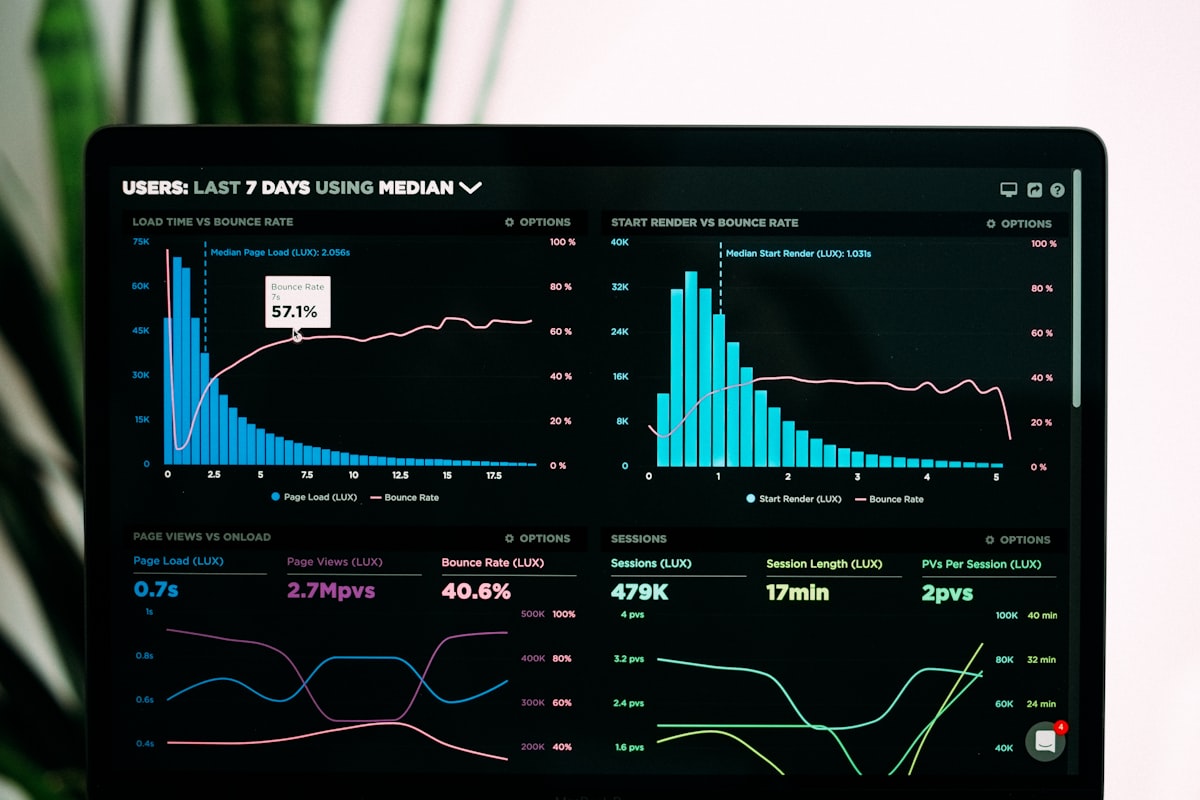
Anthropic and OpenAI, two companies that agree on almost nothing, agreed on this: AI chat windows need to render real applications. MCP Apps (SEP-1865), the first official extension to the Model Context Protocol, lets MCP servers return interactive HTML/CSS/JavaScript interfaces that render directly inside Claude, ChatGPT, VS Code, and other MCP clients. Not markdown previews. Not formatted text. Actual sandboxed web applications with forms, charts, dashboards, and bidirectional data flow. The extension shipped on January 26, 2026, with 10 launch partners including Figma, Slack, Amplitude, and Canva, and the GitHub repo has already accumulated 1,900 stars.
This matters because it turns the chat window from an output terminal into an application platform. An analytics agent does not just describe your cohort data; it renders an interactive heatmap you can filter. A project management agent does not list your tasks; it shows a Gantt chart you can drag to reschedule.
What MCP Apps Are and Why They Exist
Before MCP Apps, MCP servers could return text, images, and structured data. That was it. If your tool needed user input (a form, a confirmation dialog, a parameter slider), you had two options: break out of the chat into a separate web app, or have the LLM ask follow-up questions in natural language and hope the user provided exactly the right input. Both approaches are clunky. Both break flow.
MCP Apps adds two primitives to the protocol. First, tools can declare a _meta.ui.resourceUri field pointing to a ui:// resource. Second, servers can host UI resources via the ui:// URI scheme containing bundled HTML, JavaScript, and CSS. When a tool returns a UI reference, the host client fetches the HTML bundle and renders it inside a sandboxed iframe within the conversation.
The spec was proposed on November 21, 2025, reviewed for two months with 25+ substantive comments, and merged on January 28, 2026, by Den Delimarsky. What makes the process notable: core maintainers from both Anthropic and OpenAI co-authored the specification, building on community work from the MCP-UI project and OpenAI’s Apps SDK. Contributors from Postman, Shopify, HuggingFace, and ElevenLabs also participated.
The explicit goal from the SEP-1865 rationale: prevent fragmentation where “each host may implement slightly different behaviors” for UI rendering. One standard, many clients.
How MCP Apps Work Under the Hood
The lifecycle of an MCP App interaction has four stages:
1. UI Preloading. The host client can prefetch UI resources before the tool is even called. This enables streaming tool inputs to the app while the LLM is still generating, so the interface appears almost instantly.
2. Resource Fetch. The host fetches the HTML page from the MCP server. This is typically a single bundle with embedded JavaScript and CSS, though apps can load external scripts from origins declared in _meta.ui.csp.
3. Sandboxed Rendering. The HTML renders inside a sandboxed iframe within the conversation. The sandbox prevents the app from accessing the parent window’s DOM, cookies, or local storage. A double-iframe architecture adds another layer: an outer iframe on an allowlisted domain acts as a proxy, and the inner iframe hosts the untrusted app with restrictive CSP rules.
4. Bidirectional Communication. The app and host communicate via JSON-RPC over postMessage. This is where it gets interesting. The app can call MCP server tools (app.callServerTool()), update the model’s context (app.updateModelContext()), log events, open links in the user’s browser, and send follow-up messages back to the conversation.
Here is what a minimal MCP App server looks like:
import { McpServer } from "@modelcontextprotocol/sdk/server";

const server = new McpServer({ name: "demo-app" });

server.tool(
  "show_dashboard",
  { query: { type: "string" } },
  async ({ query }) => ({
    content: [{ type: "text", text: `Dashboard for: ${query}` }],
    _meta: {
      ui: { resourceUri: "ui://dashboard" }
    }
  })
);

server.resource("ui://dashboard", async () => ({
  contents: [{
    uri: "ui://dashboard",
    mimeType: "text/html",
    text: `<html><body>
      <script src="https://cdn.jsdelivr.net/npm/@modelcontextprotocol/ext-apps"></script>
      <div id="app">Interactive dashboard here</div>
    </body></html>`
  }]
}));
The key difference from regular MCP tools: regular tools return data and the conversation moves on. MCP Apps create a persistent, interactive session where the user can interact with the UI without typing another message.
The Developer Experience: SDKs, Templates, and 15+ Examples
The @modelcontextprotocol/ext-apps npm package ships with everything you need. The core App class handles the postMessage protocol, but you are not locked into it; you can implement the JSON-RPC communication directly if you prefer.
Framework support is broad: official starter templates exist for React, Vue, Svelte, Preact, Solid, and vanilla JavaScript. The build system uses Bun, testing runs on Playwright, and API docs are generated via TypeDoc at apps.extensions.modelcontextprotocol.io.
For React specifically, the package exports hooks like useApp (connection lifecycle) and useHostStyles (inherit the host’s theme), so your MCP App can match Claude’s dark mode or ChatGPT’s visual style without manual CSS work.
The repo includes 15+ example servers that demonstrate real use cases:
| Example Server | What It Does |
|---|---|
threejs-server | 3D scene rendering inside the chat |
map-server | Interactive CesiumJS globe |
pdf-server | Document viewer with annotation |
system-monitor-server | Live CPU/memory dashboard |
cohort-heatmap-server | Analytics visualization |
scenario-modeler-server | What-if business modeling |
sheet-music-server | Musical notation rendering |
shadertoy-server | WebGL shader playground |
Four AI coding agent skills ship with the SDK: create-mcp-app (scaffold from scratch), migrate-oai-app (convert OpenAI Apps), add-app-to-server (add UI to existing MCP servers), and convert-web-app (turn any web app into an MCP App). The migration tool is telling: it signals how quickly the ecosystem consolidated around this standard.
Security: Running Code You Didn’t Write in Your Chat
The Register put it bluntly: “Running UI from MCP servers means running code you didn’t write.” It is a valid concern. MCP Apps effectively execute third-party web applications inside your most sensitive workspace.
The defense model is multi-layered:
Iframe Sandboxing. All UI runs in sandboxed iframes with allow-scripts allow-same-origin but no access to the parent window. The double-iframe architecture means even if the inner app escapes its sandbox, it hits a second boundary on a different origin.
Declarative CSP. Each app declares which external domains it needs via metadata fields: connectDomains, resourceDomains, frameDomains, baseUriDomains. The host constructs CSP headers dynamically from these declarations, with restrictive defaults for anything not explicitly requested.
Auditable Communication. Every message between the app and host travels through the JSON-RPC postMessage channel, which is fully loggable. Enterprise deployments can monitor exactly what data flows between the app and the AI model.
User Consent. Hosts can require explicit user approval for UI-initiated tool calls. When a Figma MCP App wants to create a new design file, the user sees a confirmation dialog before the action executes.
This is more security surface area than plain text MCP tools, but significantly less than giving an agent a full browser. The sandboxed iframe model is the same one that banks use for embedding third-party widgets. It is battle-tested, though the MCP-specific implementation is still young.
Launch Partners and Client Support
Ten companies launched MCP Apps integrations on day one:
| Partner | What Users Get in the Chat |
|---|---|
| Amplitude | Build and explore analytics charts interactively |
| Asana | Turn conversations into projects, tasks, and timelines |
| Box | Search files, preview documents, extract insights |
| Canva | Design presentations with real-time branding |
| Clay | Research companies, draft personalized outreach |
| Figma | Generate flowcharts and diagrams in FigJam |
| Hex | Query data, render interactive charts with citations |
| monday.com | Manage boards, assign tasks, update statuses |
| Slack | Search conversations, draft formatted messages |
| Salesforce | Coming via Agentforce 360 |
Client support already spans the major platforms: Claude (web and desktop), ChatGPT (rolling out the same week), VS Code with GitHub Copilot (Insiders channel, stable pending), Goose, Postman, and MCPJam. The cross-platform story is what separates MCP Apps from platform-locked alternatives. Build one Figma MCP App and it works everywhere.
MCP Apps vs Google A2UI vs Custom GPTs
Three approaches to agent UI are now competing, and they represent fundamentally different philosophies.
MCP Apps (Anthropic + OpenAI): Send opaque HTML/JavaScript bundles. The host renders them in sandboxed iframes. Full creative freedom for developers. The tradeoff: apps look and behave like embedded web pages, not native components, and the iframe boundary creates a visual disconnect from the host application’s styling.
Google A2UI (announced December 2025): Send declarative JSON blueprints describing component trees. Clients render with native widgets (Flutter, SwiftUI, React components). The result inherits the host’s theme and accessibility features automatically. Google describes it as “safe like data, but expressive like code.” The tradeoff: limited to the component set the client supports; no arbitrary HTML rendering.
OpenAI Custom GPTs / Actions: Platform-locked integrations that only work in ChatGPT. OpenAI has now adopted MCP Apps as the foundation for their Apps SDK, effectively acknowledging that the walled-garden approach lost. Their Apps SDK documentation references MCP as the underlying standard.
The htmx community has raised a fourth perspective: server-rendered hypermedia might be more appropriate than client-side JavaScript frameworks for simple form interactions. They argue that React-based approaches are overengineered for a confirmation dialog or a settings form. It is a fair point for simple cases, but breaks down when you need real-time charts or 3D rendering.
What This Means for the Agent Ecosystem
MCP Apps shift the agent interaction model from “chat with tools” to “chat as operating system.” The chat window becomes the surface where applications run, with the AI model as the orchestration layer deciding which app to invoke and when.
For developers, the immediate action is straightforward: if you maintain an MCP server, evaluate whether any of your tools would benefit from a visual interface. Data queries, configuration wizards, document previews, and monitoring dashboards are obvious candidates. The SDK makes adding UI to an existing server a matter of hours, not weeks.
For enterprises evaluating agent platforms, MCP Apps add another criterion to the checklist: does your chosen client support the extension? Claude and ChatGPT already do. VS Code is close. The gap is narrowing fast, and the write-once-run-anywhere promise means vendor lock-in risk drops significantly for tool integrations.
The 1,900 stars and 596 commits in two months suggest this is not a paper standard. It is shipping code with real adoption. Whether the sandboxed iframe approach proves sufficient for enterprise security requirements, or whether Google’s declarative A2UI model gains traction as a safer alternative, is the open question heading into mid-2026.
Frequently Asked Questions
What are MCP Apps?
MCP Apps (SEP-1865) are the first official extension to the Model Context Protocol. They allow MCP servers to return interactive HTML/CSS/JavaScript user interfaces that render directly inside AI chat windows like Claude and ChatGPT, replacing text-only tool responses with dashboards, forms, and visualizations.
Which AI clients support MCP Apps?
As of early 2026, MCP Apps are supported by Claude (web and desktop), ChatGPT (rolling out), VS Code with GitHub Copilot (Insiders channel), Goose, Postman, and MCPJam. The cross-platform support means a single MCP App works across multiple AI assistants.
Are MCP Apps secure?
MCP Apps use a multi-layered security model including sandboxed iframes (double-iframe architecture), declarative Content Security Policy per app, auditable JSON-RPC communication, and user consent for tool calls. The sandboxed iframe approach is well-established in web security, though the MCP-specific implementation is still maturing.
How do MCP Apps differ from Google A2UI?
MCP Apps send opaque HTML/JavaScript bundles rendered in sandboxed iframes, giving developers full creative freedom. Google A2UI sends declarative JSON blueprints rendered with native widgets, which inherit host styling and accessibility automatically. MCP Apps offer more flexibility; A2UI offers tighter integration with native platforms.
How do I build an MCP App?
Install the @modelcontextprotocol/ext-apps npm package, use one of the six framework starter templates (React, Vue, Svelte, Preact, Solid, or vanilla JS), and add a ui:// resource to your MCP server. The SDK provides an App class for communication and React hooks like useApp for lifecycle management. The repo includes 15+ example servers to reference.